If you shoot 360° virtual tours or panoramic photography, you already know the struggle. Most 360° editors force you to upload your massive files to the cloud, wait for processing, deal with compression, and sometimes even slap a watermark on your final image.
That workflow slows you down and puts client privacy at risk.
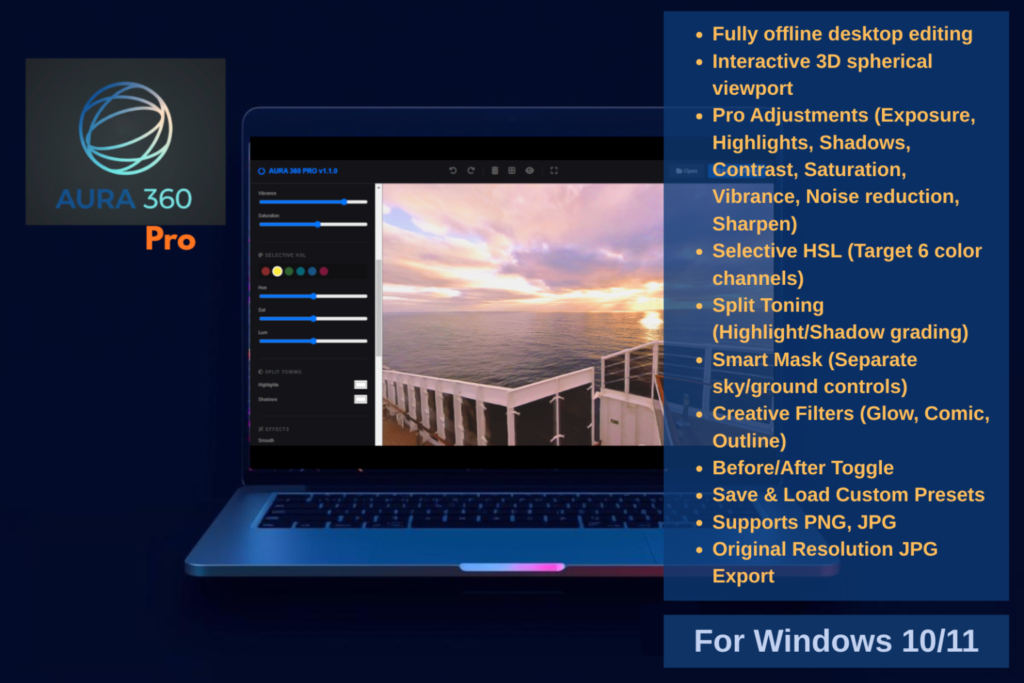
That’s why I created Aura 360 Pro. Available now on the Microsoft Store and directly through our website, Aura 360 Pro is a dedicated, offline Windows desktop application built to give you complete control over your equirectangular images instantly—with zero lag, zero cloud uploads, and glorious full-resolution 8K, 16K+ exports.
With the release of version 1.1.0, the app has evolved into a powerhouse for color grading and stylistic editing. Here is a look at what you can do.
🌤️ Smart Masking (No Lasso Required)
Editing 360 images usually means wrestling with warped horizons. Our new Smart Mask tool intelligently separates your sky from your ground. Need to aggressively denoise a grainy sky without blurring the crisp details of the floor tiles or grass? Now you can do it with three simple sliders: Sky Smoothness, Ground Detail, and Horizon Fade.
🎬 Cinematic Split Toning
Take your virtual tours from looking like standard real estate photos to cinematic showcases. The new Split Toning engine allows you to inject custom color tints independently into your highlights and shadows. Add a warm, inviting glow to sunlit windows while keeping your deep shadows cool and contrasted.
🎨 Selective HSL Control
Target specific colors without affecting the rest of the room. Desaturate a distracting red chair, shift the hue of a dull sky to a vibrant aqua, or adjust the luminance of green foliage—all with absolute precision across six independent color channels.
💎 Advanced Edge-Detection & Effects
If you want to create stylized, illustrated tours or technical walk-throughs, the newly upgraded Outline tool uses a true Sobel filter to detect the physical geometry of your scene, allowing you to draw crisp lines over edges with adjustable thickness and intensity. Combine this with the Glow and Comic filters for truly unique visual styles.
⚡ Built for Speed and Privacy
-
100% Offline: Your client photos stay on your hard drive.
-
Save Your Presets: Dial in the perfect look for a specific property and save it as a preset to instantly grade the rest of the tour.
-
Uncompressed Export: Save your edits in full, uncompromised quality, completely watermark-free.
Try it out today
You can download the full version of Aura 360 Pro directly from the Microsoft Store or via aura360.online.
Want to take it for a spin before installing? Try the free Web Demo right here in your browser! (Note: The web demo includes a watermark on export—get the desktop app for the unrestricted professional experience).